
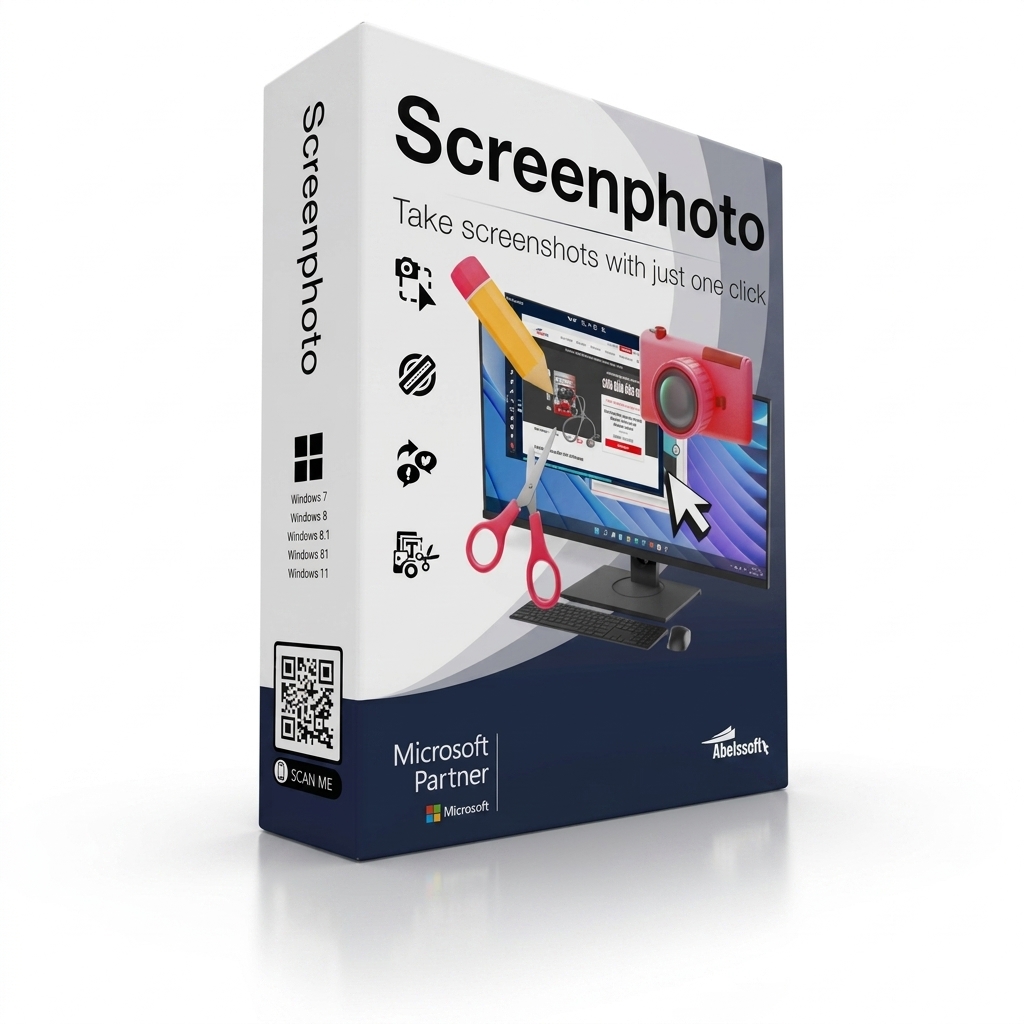
Screenphoto 2025 Screenshot Tool Easy Capture & Edit is a simple and powerful screenshot software for Windows. It helps you capture your screen in just one click. You can take screenshots of the full screen, a selected area, a single window, or even multiple monitors. After capturing your screen, you can quickly edit, save, and share your images.
The software is designed for both beginners and experienced users. Its clean interface makes every feature easy to find and use. Whether you need screenshots for work, school, tutorials, presentations, or personal use, Screenphoto 2025 helps you finish the job faster.
You can edit your screenshots before saving them. Add notes, highlight important parts, crop unwanted areas, or make simple changes without using another image editor. The software also lets you export your screenshots in popular image formats for easy sharing and storage.
Key Features
- One-click screenshot capture
- Capture full screen, window, or selected area
- Support for multiple monitors
- Built-in image editing tools
- Crop and improve screenshots quickly
- Save images in JPG, PNG, or PDF formats
- Fast sharing options
- Simple and clean interface
- Easy keyboard shortcut support
- Lightweight and easy to use
Who Is It For?
Screenphoto 2025 is a great choice for:
- Students
- Teachers
- Office workers
- Remote teams
- Bloggers
- Content creators
- Customer support staff
- Anyone who needs quick screenshots every day
Benefits
Using Screenphoto 2025 saves time and makes screen capturing much easier. You do not need several programs to capture and edit images. Everything is available in one place.
The software helps you create clear screenshots for tutorials, bug reports, documents, presentations, and online communication. Its editing tools allow you to make screenshots more useful before sharing them.
If you need a fast, reliable, and easy screenshot tool for Windows, Screenphoto 2025 is a practical solution. It offers the essential features most users need while keeping the workflow simple and efficient.

Reviews
There are no reviews yet.